
Is SketchUp Free OK for Kitchen and Bath Remodeling?
The Importance of the Question
When it comes to kitchen and bath remodeling, homeowners often find themselves juggling a myriad of factors that can significantly impact the outcome of their projects. One critical question that arises is whether using a free tool like SketchUp is sufficient for their design needs. This inquiry is not merely academic; it has real implications for budget, time, and overall satisfaction with the remodeling process.
Financial Considerations
- Budget Constraints: Remodeling projects can quickly escalate in cost. Homeowners need to make smart financial decisions, and utilizing free software can be an attractive option.
- Cost of Professional Services: Hiring a designer can be expensive. By using SketchUp, homeowners can potentially save money while still achieving a professional look.
Time Management
- Learning Curve: While SketchUp is user-friendly, it still requires time to learn. Homeowners must weigh the time spent learning the software against the time saved during the remodeling process.
- Project Timeline: Delays in design can push back the entire remodeling project. Efficient use of SketchUp can help streamline the design phase.
Design Flexibility
- Customization: SketchUp allows for a high level of customization, enabling homeowners to visualize their unique ideas and preferences.
- 3D Visualization: The ability to create 3D models helps homeowners see how different elements will work together, reducing the likelihood of costly mistakes.
Regulatory Factors
- Building Codes: Homeowners must ensure their designs comply with local building codes. SketchUp can help visualize these requirements, but it may not automatically account for all regulations.
- Permits: Some remodeling projects require permits. Understanding how to incorporate these requirements into the design is crucial, and free software may not provide the necessary guidance.
In summary, the question of whether SketchUp Free is adequate for kitchen and bath remodeling is multifaceted. It involves financial considerations, time management, design flexibility, and regulatory compliance. Homeowners must carefully evaluate these factors to determine if this tool meets their specific needs.
Evaluating SketchUp Free for Kitchen and Bath Remodeling
1. User Experience and Learning Curve
Initial Setup
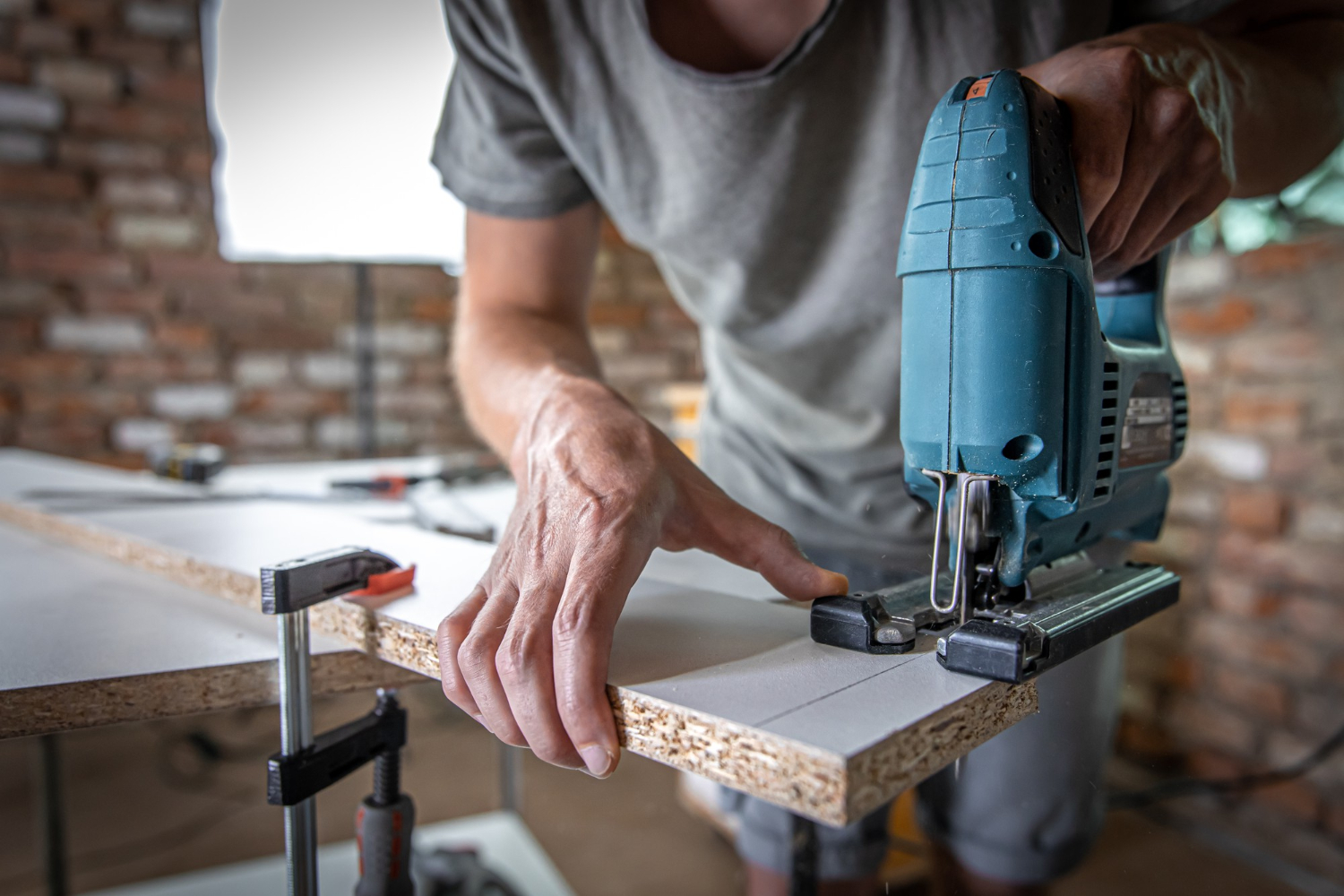
When considering SketchUp Free for kitchen and bath remodeling, the user experience is paramount. The platform is designed with a relatively intuitive interface, making it accessible for beginners. However, users should be prepared for a learning curve that can vary based on their prior experience with design software.
- Time Investment: On average, users may need to dedicate anywhere from 5 to 20 hours to become proficient in the basic features of SketchUp.
- Resources Available: Numerous online tutorials and community forums are available, which can help speed up the learning process.
Practical Application
Once familiar with the software, users can start creating their kitchen or bath designs. For example, a homeowner looking to remodel a 10×10 kitchen can easily input dimensions and visualize the layout. This initial visualization can save time in the long run by allowing for adjustments before any physical work begins.
2. Design Capabilities
3D Modeling
One of the standout features of SketchUp Free is its ability to create 3D models. This is particularly beneficial for remodeling projects where spatial arrangements are crucial.
- Visualization: Homeowners can see how different elements, such as cabinets, countertops, and appliances, fit together in real space.
- Customization: Users can modify existing templates or create their designs from scratch, allowing for a personalized approach.
Limitations of SketchUp Free
While SketchUp Free offers significant design capabilities, there are limitations that users should be aware of.
- Feature Set: The free version lacks some advanced features available in the paid versions, such as advanced rendering and more extensive library access.
- Export Options: Users may find limitations in exporting their designs for professional use or collaboration with contractors.
3. Cost-Effectiveness
Budget-Friendly Design
Using SketchUp Free can be a cost-effective solution for homeowners looking to remodel their kitchens and baths.
- Software Costs: The free version eliminates software costs, which can range from $300 to $700 for professional-grade design tools.
- DIY Potential: Homeowners can take on more of the design work themselves, potentially saving thousands in design fees.
Hidden Costs
While the software itself is free, there may be hidden costs to consider.
- Time is Money: The time invested in learning and designing can take away from other important project activities, potentially leading to delays.
- Professional Assistance: Homeowners may still need to consult professionals for aspects like structural integrity and code compliance, which can incur additional costs.
4. Collaboration and Sharing
Working with Professionals
When remodeling, collaboration with contractors and designers can be essential. SketchUp Free allows users to share their designs, but there are limitations.
- File Sharing: Users can share links to their projects, but not all professionals may use SketchUp, leading to compatibility issues.
- Feedback Loop: The ability to receive feedback on designs can be limited if collaborators are not familiar with the software.
Community Support
The SketchUp community can be a valuable resource for users.
- Forums and Groups: Many users share their designs and experiences, providing insights that can help others avoid common pitfalls.
- Plugins and Extensions: Although the free version has limited access to plugins, users can still find useful resources to enhance their designs.
5. Regulatory Compliance
Understanding Local Codes
Kitchen and bath remodels often require adherence to local building codes.
- Research Required: Homeowners must research local regulations to ensure their designs are compliant, which SketchUp does not automatically provide.
- Permit Applications: Some designs may require permits, and homeowners should factor in the time needed to secure these before starting work.
Potential Challenges
Navigating regulations can be cumbersome, especially for DIYers.
- Complexity of Codes: Local codes can be complicated, leading to potential issues during inspections if not properly addressed in the design phase.
- Consulting Professionals: Homeowners may need to hire professionals to ensure compliance, which could negate some of the cost savings from using SketchUp Free.
In summary, while SketchUp Free offers various advantages for kitchen and bath remodeling, such as cost savings and design capabilities, it also presents challenges that homeowners must navigate. Understanding these aspects can help users make informed decisions about whether this tool meets their specific remodeling needs.
Actionable Advice for Using SketchUp Free in Kitchen and Bath Remodeling
1. DIY vs. Professional Work
Assessing Your Skills
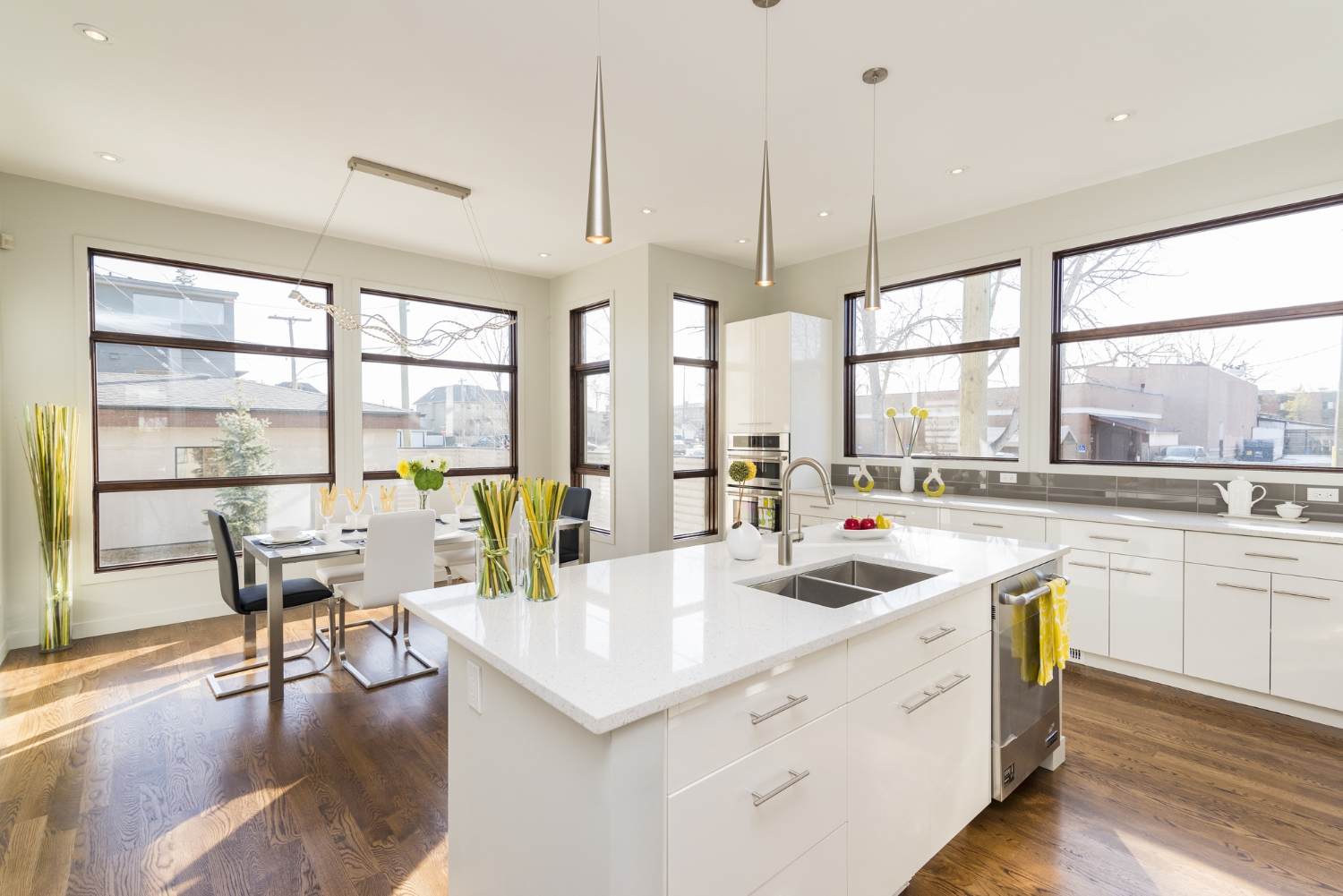
Before deciding whether to tackle your kitchen or bath remodel yourself using SketchUp Free or hire a professional, consider your skills and experience.
- DIY: If you have a knack for design and are comfortable with technology, using SketchUp can empower you to create your own plans. However, be honest about your limitations.
- Professional Help: If your project involves complex structural changes or local code compliance, hiring a professional may save you time and stress.
Cost Comparison
The cost differences between DIY and professional work can be significant. The following table outlines average costs associated with each approach:
| Approach | Average Cost | Pros | Cons |
|---|---|---|---|
| DIY | $500 – $2,000 (materials only) | Cost savings, full control over design | Time-consuming, potential for costly mistakes |
| Professional | $5,000 – $30,000 (including labor) | Expertise, time-efficient, compliance assurance | Higher costs, less control over the process |
2. Budget vs. Premium Remodel
Understanding Your Budget
Setting a realistic budget is essential for any remodeling project. Determine how much you can afford and what aspects of the remodel are most important to you.
- Budget Remodel: Focus on cosmetic changes like new paint, fixtures, or refacing cabinets. Using SketchUp can help visualize these changes economically.
- Premium Remodel: If you want high-end finishes or structural changes, be prepared to invest significantly more. SketchUp can still assist in planning, but professional guidance may be necessary.
Cost Breakdown
Consider the following breakdown of common remodeling expenses:
| Item | Budget Option | Premium Option |
|---|---|---|
| Cabinets | $2,000 – $5,000 | $10,000 – $30,000 |
| Countertops | $1,000 – $3,000 | $5,000 – $15,000 |
| Appliances | $1,500 – $3,500 | $4,000 – $10,000 |
| Labor | $1,000 – $3,000 | $5,000 – $15,000 |
3. Mistakes to Avoid
Common Pitfalls
When using SketchUp Free for your remodeling project, there are common mistakes to be aware of:
- Ignoring Measurements: Always double-check your measurements. Inaccurate dimensions can lead to design flaws that are costly to fix.
- Overcomplicating Designs: Keep your designs simple. Overly intricate plans can lead to confusion and increased costs during execution.
- Neglecting Functionality: Aesthetics are important, but ensure your design is functional. Consider workflow and space utilization in kitchens and bathrooms.
Insider Tips
To maximize your success with SketchUp Free, consider the following tips:
- Utilize Templates: Start with existing templates to save time and get a feel for the software’s capabilities.
- Seek Feedback: Share your designs with friends or family for constructive criticism before finalizing them.
- Document Changes: Keep track of changes made to your design. This documentation can be useful when discussing plans with contractors.
4. Planning and Execution
Step-by-Step Process
Using SketchUp Free effectively requires a structured approach. Follow these steps for successful planning and execution:
- Define Your Goals: Determine what you want to achieve with your remodel.
- Set a Budget: Establish how much you are willing to spend.
- Learn the Software: Spend time familiarizing yourself with SketchUp Free’s features.
- Create Your Design: Use the software to draft your kitchen or bath layout.
- Review and Revise: Get feedback and make necessary adjustments.
- Consult Professionals: If needed, consult with contractors or designers for additional insights.
- Finalize Plans: Prepare your final design for execution.
Timeline Considerations
The timeline for completing your remodel can vary based on several factors:
- Design Phase: Typically 1-3 weeks, depending on complexity and revisions.
- Permitting: Allow 2-4 weeks for permits, depending on local regulations.
- Construction: Actual remodeling can take anywhere from 2 weeks to several months, depending on the scope of work.
By following this actionable advice, homeowners can effectively utilize SketchUp Free for their kitchen and bath remodeling projects while avoiding common pitfalls and maximizing their investment.
Facts About Using SketchUp Free for Kitchen and Bath Remodeling
1. Statistical Overview
Cost Savings
Using SketchUp Free for kitchen and bath remodeling can lead to significant cost savings. According to a survey by HomeAdvisor, homeowners typically spend between $12,000 and $35,000 on kitchen remodels and $5,000 to $15,000 on bathroom remodels. By utilizing free design software, homeowners can reduce the need for professional design services, which can cost anywhere from $2,000 to $5,000.
- Potential Savings: Homeowners can save 10-20% of their total remodeling budget by handling the design phase themselves.
Home Value Increase
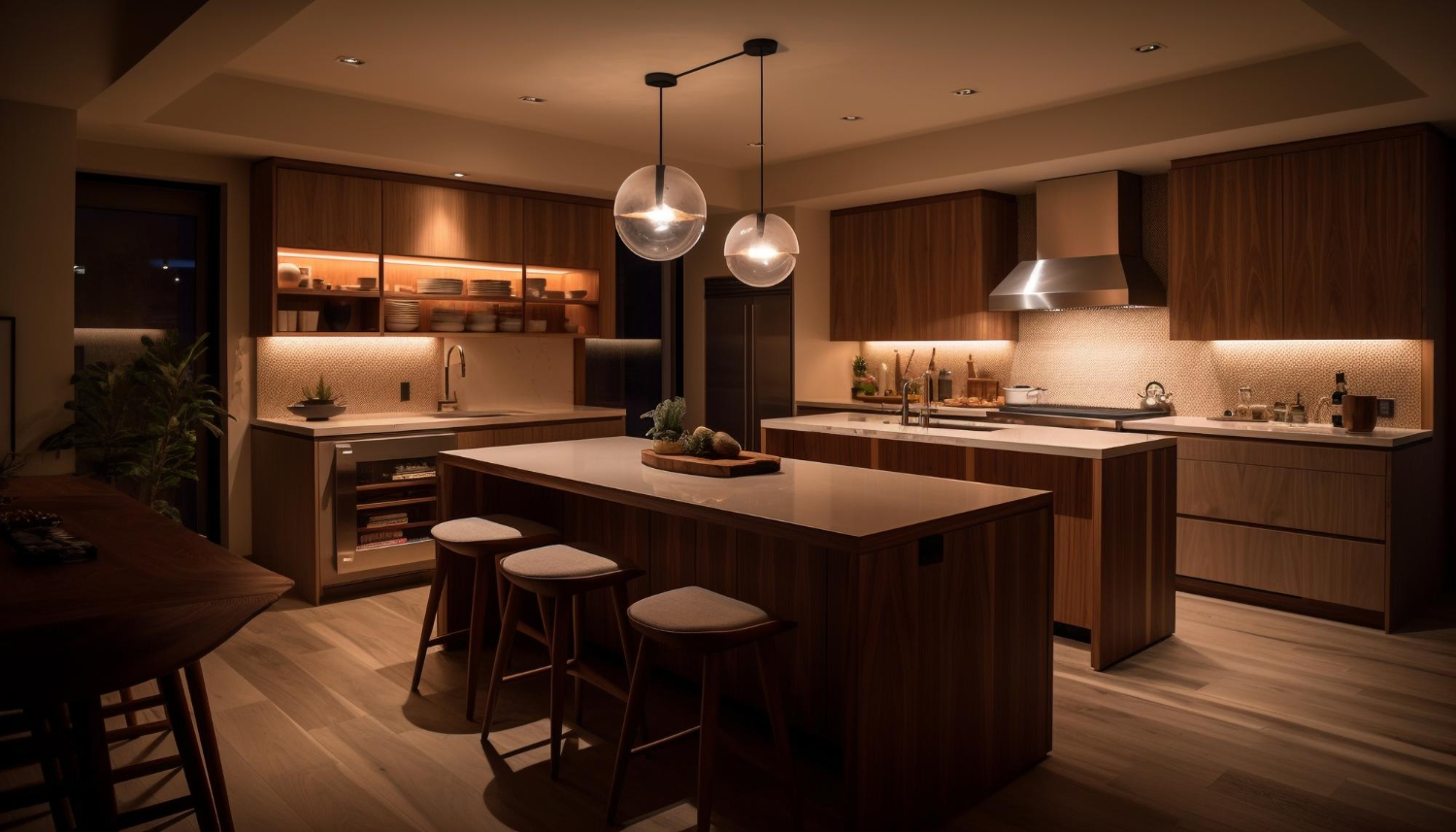
Remodeling projects can significantly increase a home’s value. According to Remodeling Magazine’s Cost vs. Value report, a minor kitchen remodel can recoup approximately 81% of its cost upon resale, while a bathroom remodel can recoup about 70%.
- Return on Investment: Thoughtful remodeling can lead to increased home equity, making it a financially sound decision.
2. Benefits of a Thoughtful Approach
Improving Comfort and Functionality
A well-thought-out kitchen or bath remodel can greatly enhance the comfort and functionality of these essential spaces. Homeowners often report improved workflow and increased enjoyment of their living spaces.
- Personalization: Using SketchUp allows homeowners to create designs tailored to their specific needs and preferences.
- Efficiency: Thoughtful layouts can lead to better use of space, making daily tasks easier and more enjoyable.
Planning for the Future
Investing time in planning using SketchUp Free can pay off in the long run. Homeowners who plan their remodels carefully often find that they avoid costly mistakes and unexpected expenses.
- Long-Term Vision: A well-planned remodel can accommodate future needs, such as family growth or aging in place.
- Quality of Life: Enhancements in design can lead to a more enjoyable living environment, contributing to overall well-being.
3. When to Start and What to Prioritize
Timing Your Remodel
Homeowners should consider starting their remodel during off-peak seasons for contractors, typically in late fall or winter. This can lead to better pricing and availability.
- Preparation Time: Begin planning at least 3-6 months before the desired start date to allow for thorough design and consultation.
Prioritizing Key Elements
When using SketchUp Free, homeowners should prioritize the following elements in their designs:
- Layout: Focus on creating an efficient layout that maximizes space and functionality.
- Storage Solutions: Incorporate ample storage to keep the space organized and clutter-free.
- Lighting: Plan for adequate lighting to enhance the ambiance and usability of the space.
- Materials: Choose durable, high-quality materials that align with your budget and design vision.
4. Homeowner Feedback
Many homeowners share their experiences and insights on forums regarding the use of SketchUp Free for remodeling projects. The following table summarizes common sentiments expressed by users:
| Feedback Topic | Common Sentiment |
|---|---|
| User-Friendliness | Generally easy to learn, but some features require practice. |
| Cost Savings | Significant savings by avoiding professional design fees. |
| Design Flexibility | High level of customization; great for visualizing unique ideas. |
| Limitations | Some advanced features are missing in the free version, which can be frustrating. |
| Community Support | Helpful forums and resources available for troubleshooting. |
By leveraging the capabilities of SketchUp Free thoughtfully, homeowners can enhance their kitchen and bath remodeling projects, ensuring that they achieve both aesthetic appeal and functional efficiency while maximizing their investment.